Mark Books

Saspac Mark Books helps you excel in academic management

Create and set up tasks for each term’s subjects, run powerful functions and easily import or export Mark Books to Microsoft Excel
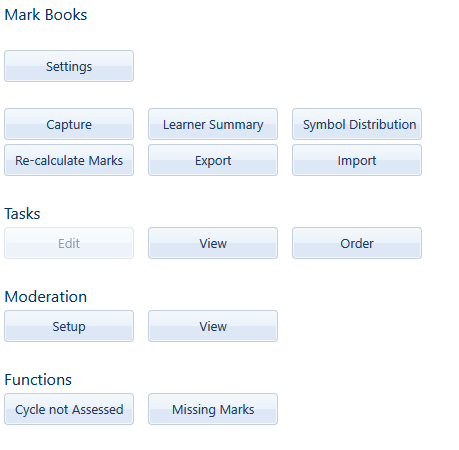
Screenshot of a user interface with options related to mark books, tasks, moderation, and functions, all displayed as light blue buttons.

View a learner’s marks across their subjects, broken down by tasks and subtasks. Quickly see their marks, totals and weighting in one place.
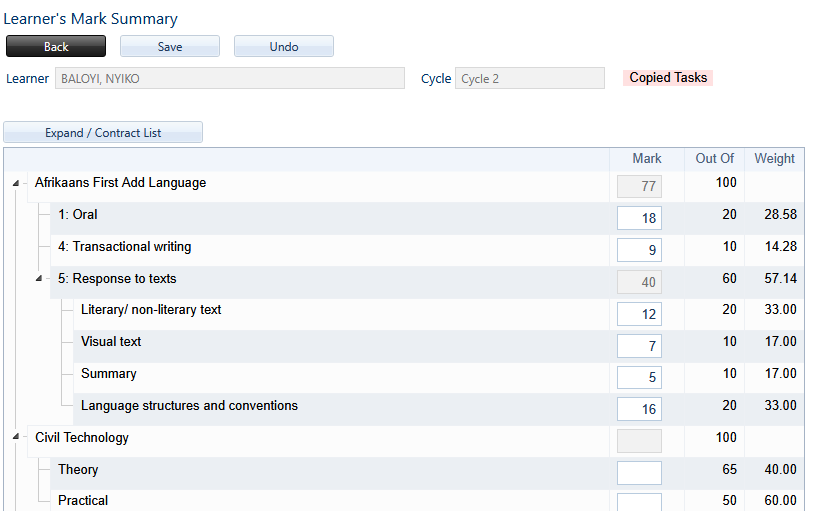
Screenshot of a learner's mark summary showing scores and weights for various tasks in two categories: Afrikaans First Add Language and Civil Technology. The Afrikaans section includes subcategories like Oral, Transactional writing, Response to texts, with specific breakdowns for literary/non-literary text, visual text, and summary. The Civil Technology section shows theory and practical scores.

Get a quick overview of how tasks are structured and weighted for a selected subject. See task totals, SBA weighting, exam tasks and any exception weightings.
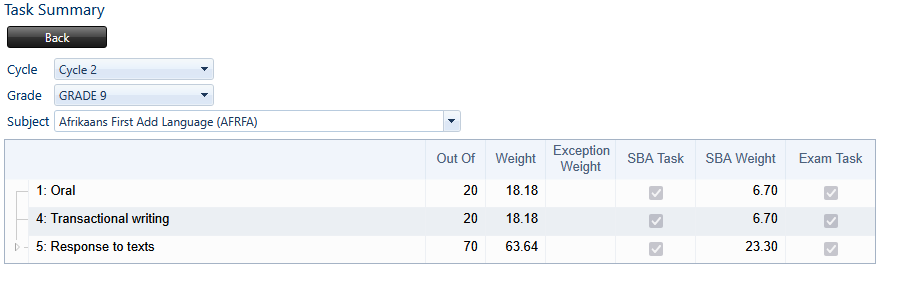
Task summary table showing scores for Afrikaans First Add Language (AFRFA) in Grade 9, Cycle 2. The table includes categories: Oral, Transactional writing, and Response to texts, with respective out of scores, weights, exception weights, SBA task and weight, and exam task completion.

View how marks and assessment symbols are distributed across a subject. Choose which terms, tasks and subtasks to include for a clear breakdown of learner performance.
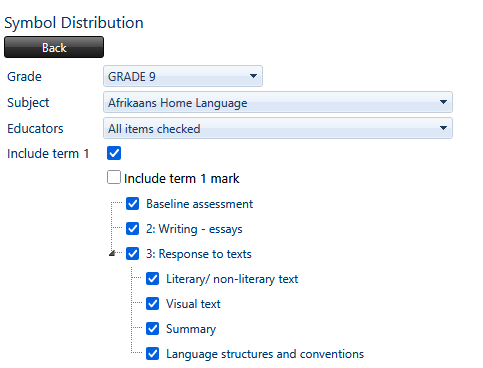
Screenshot of a grade 9 Afrikaans Home Language assessment inclusion options, with checkboxes for baseline assessment, writing essays, response to texts, literary and visual texts, summary, and language structures and conventions.

Assign a mark of -1 to tasks and subtasks that have not been assessed for a cycle. Process all grades and subjects with a single click.
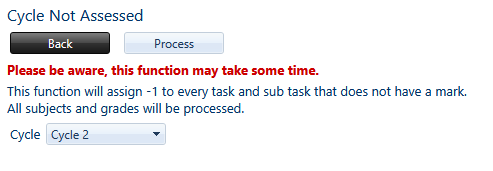
Screenshot of a computer screen showing a cycling assessment form with 'Cycle Not Assessed' indicated, a red warning message about processing time, and options to select a cycle. There are 'Back' and 'Process' buttons.

Find missing marks for a selected educator, subject and grade. Display the relevant tasks to quickly identify where marks still need to be captured. Export your list to Excel
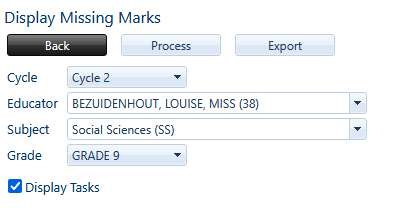
Screenshot of an educational software interface showing options to display missing marks for a student named Louise Bezuidenhout in grade 9, cycle 2, social sciences subject, with a checkbox for display tasks.