Geolocation
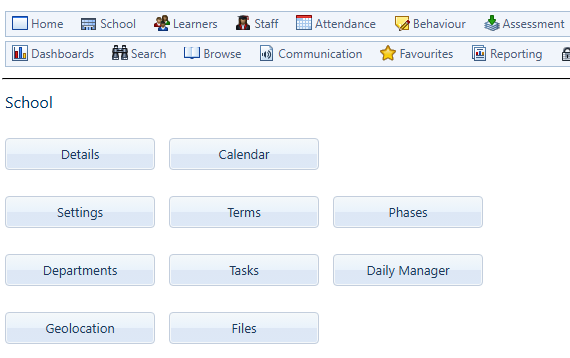
Geolocation can be found inside School, on the main menu of Saspac.
Add GPS Co-ordinates around your school’s perimeter
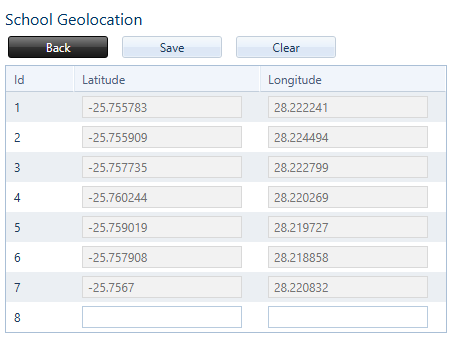
Add the co-ordinates of your school to set up your perimeter zone.
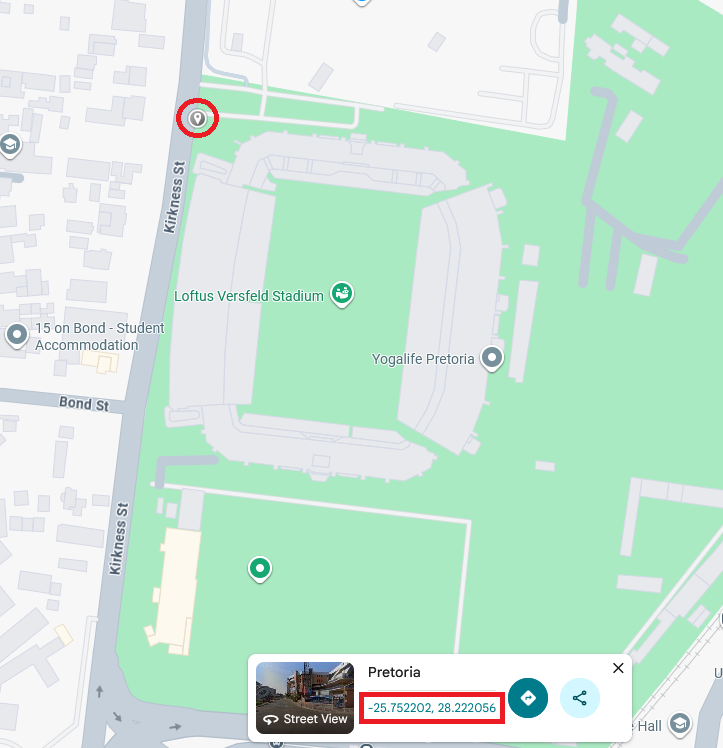
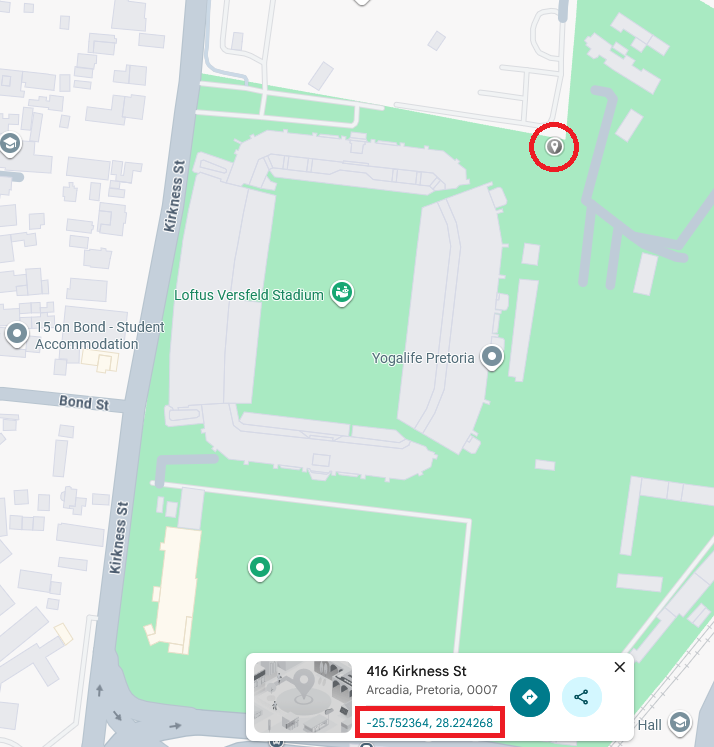
Make use of Google Maps to find your school’s exact co-ordinates.
There’s no limit to the amount of co-ordinates that can be added in Saspac. We recommend a minimum of 4, in clockwise order.
Plan an effective perimeter for your school.
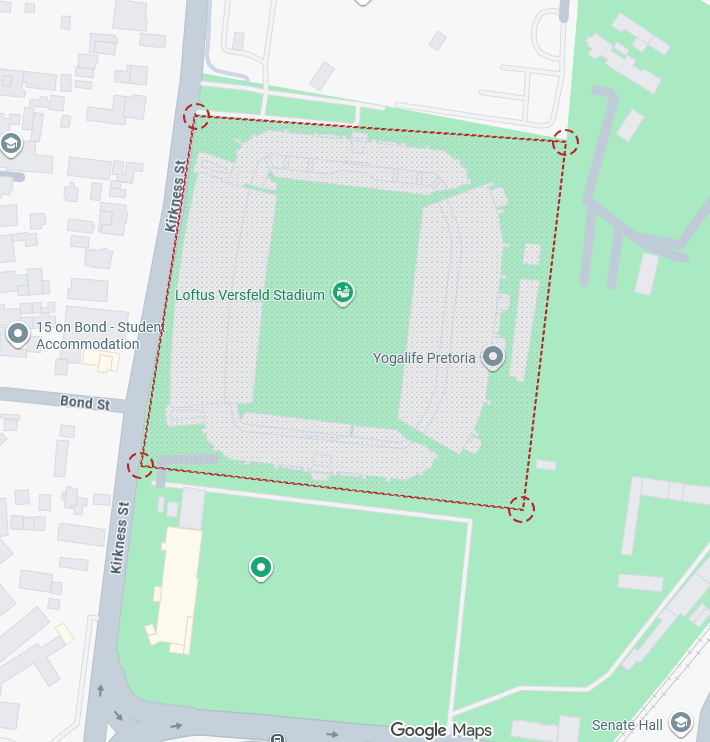
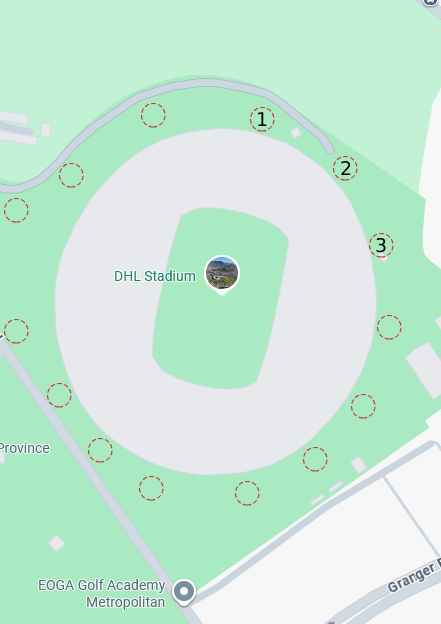
Clicking any area of google maps will generate pinpoint latitude and longitude co-ordinates. Copy these into Saspac Geolocation.
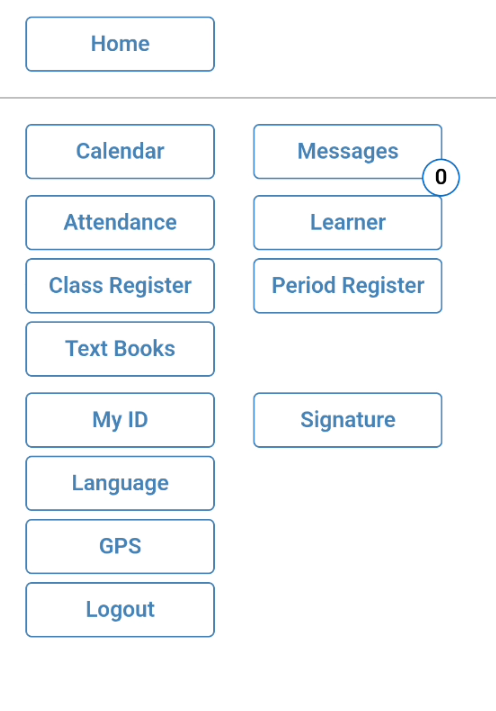
Once set up, any staff member within this zone will be able to clock-in and out easily on the Saspac App, by pressing on GPS.
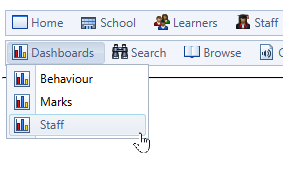
On the main menu of Saspac, click the Dashboard dropdown and select Staff to display all staff’s daily clock-in status.
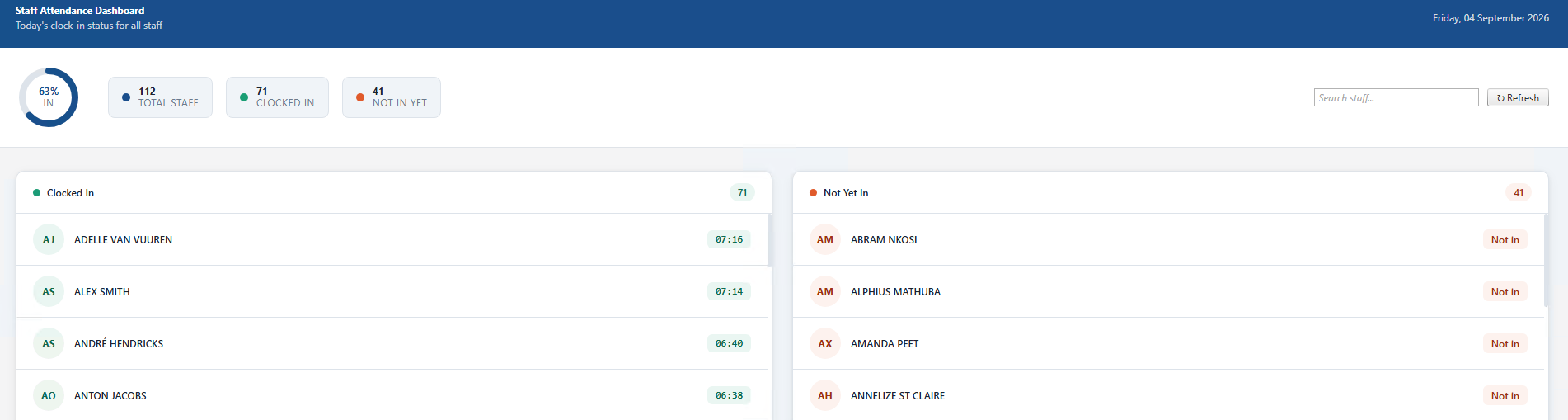
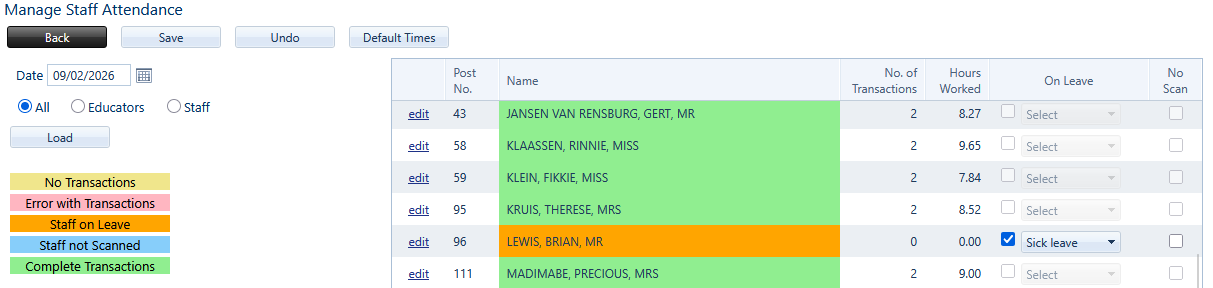
Under Attendance on the main menu, detailed statistics can be shown in Staff Attendance. Select any date and view staff clock-in times and hours worked.