
Classroom Management
Maintain your Classroom from your desk
Set up which subjects you teach during each period.
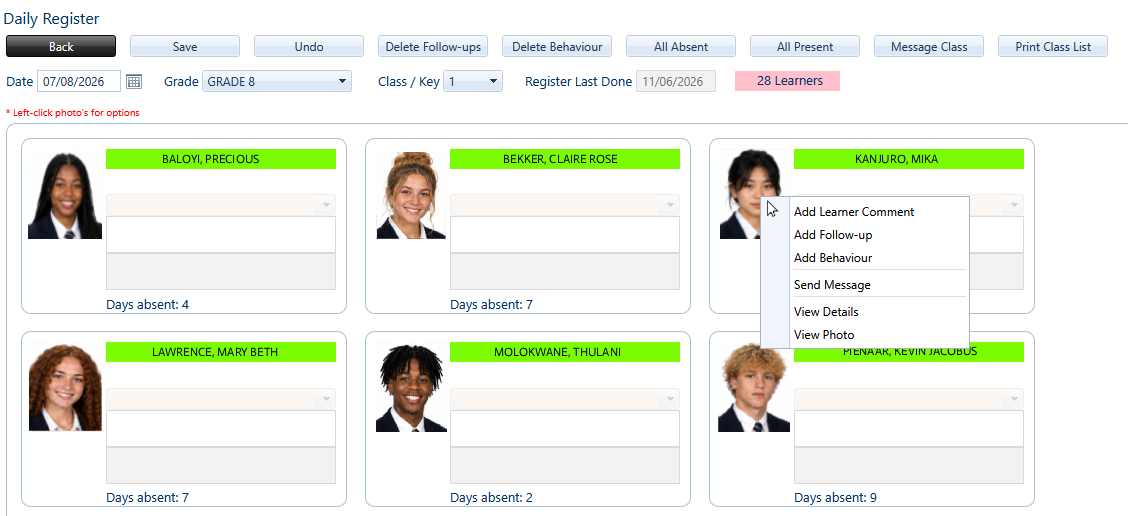
Mark absentees for the day with Daily Register.
Mark latecomers or absentees for each period at the press of a button.
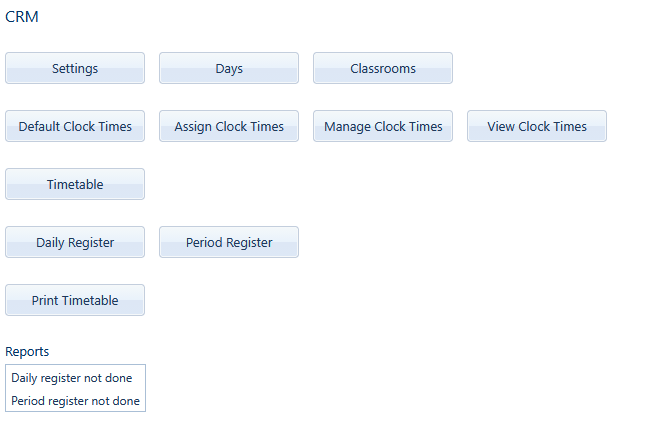
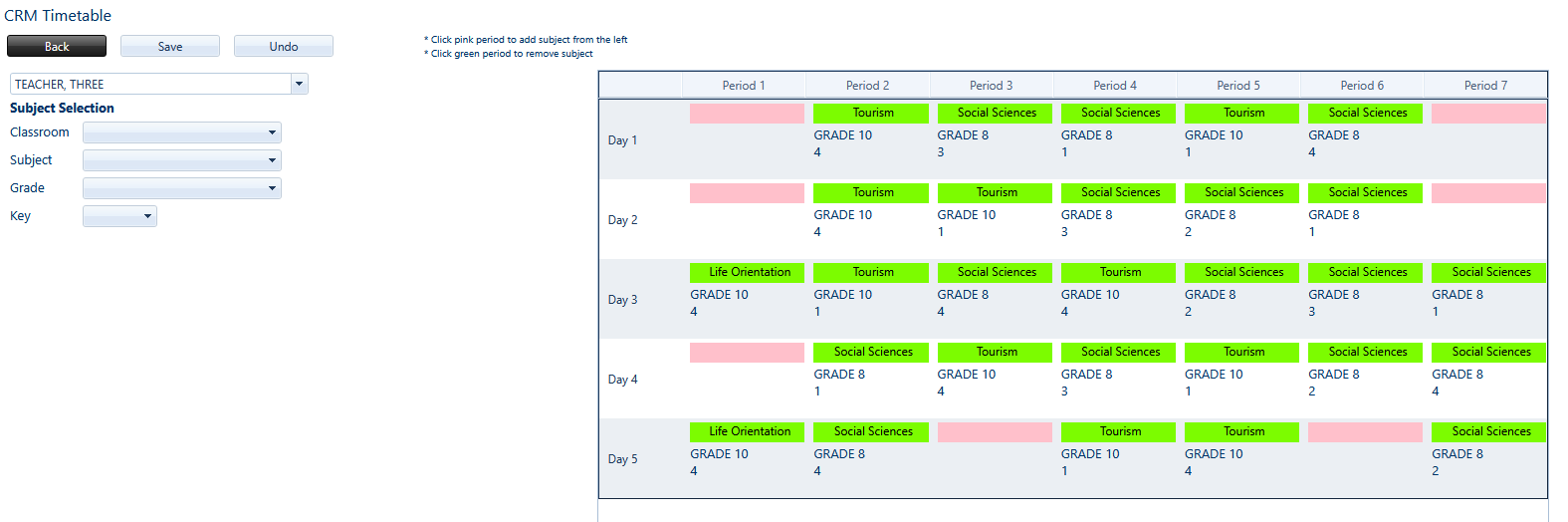
Use Timetable to add each subject that you teach to the correct period of the day. Use the Subject selection to select the correct grade, classroom and key for the specific lesson
Daily Register is used to mark absentees for the day. A learner can be marked absent by clicking their name. If a learner is marked absent, a dropdown menu becomes available to select a reason. Additional comments can be added in the textbox below a learner’s name.
Clicking a learner’s image brings up a menu with additional options, including sending a message to the student, to the student’s parents, as well as the ability to cc another educator
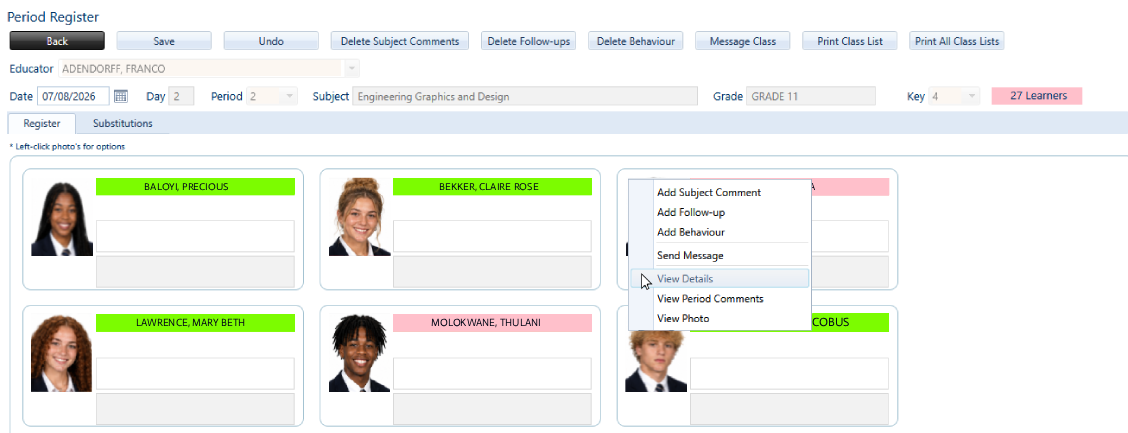
Period Register contains all the same options as daily register but will be used for each period of the day that you teach. Simply check that the date is correct on the calendar, and select the current period of the day from the drop down list