Consents
Create documents and set up rules in Consents
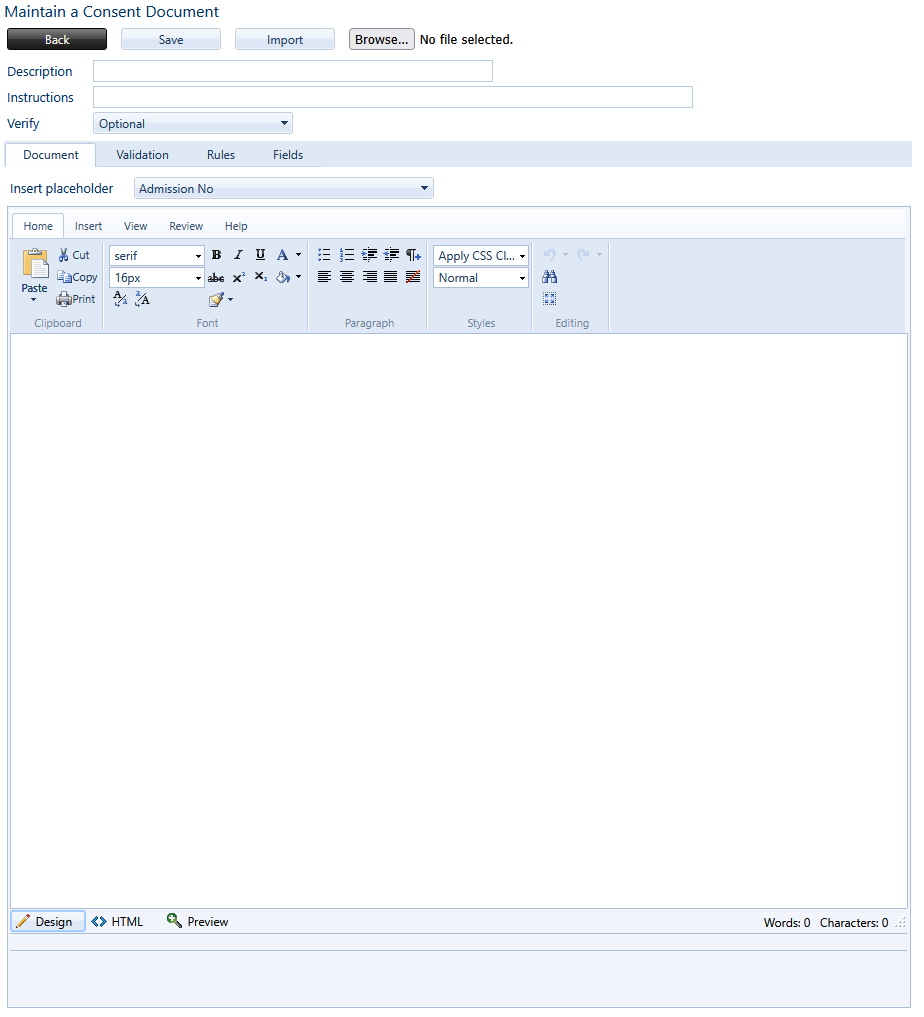
Create Documents, mark them as compulsory or optional to complete.
Easily add placeholders such as Admission Numbers, Learner’s Full Names or Guardian Details by selecting a placeholder from the dropdown menu.
Add fields like radio buttons or checkboxes and set rules for those fields to be compulsory to complete
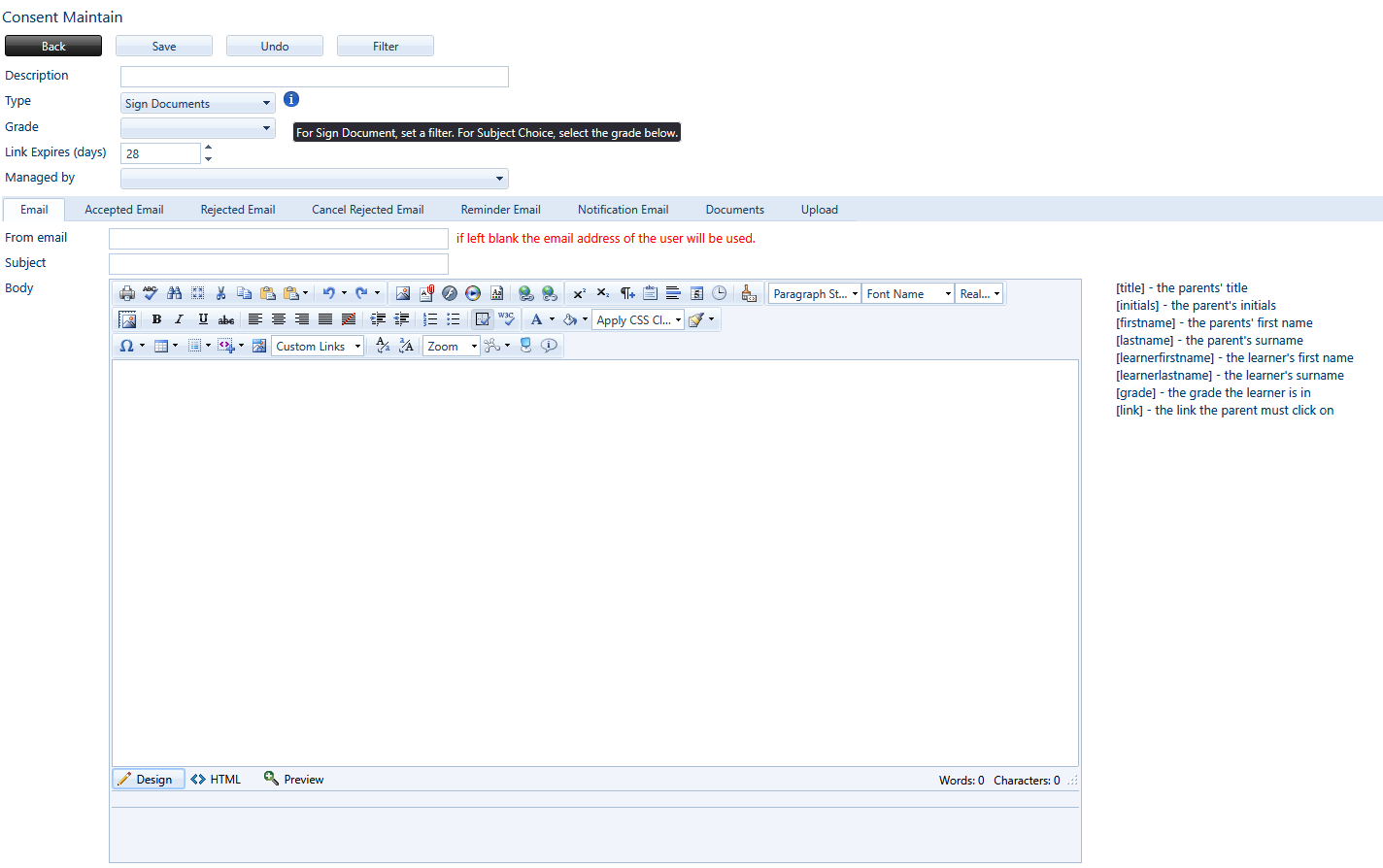
Maintain Consent documents
Select the type: Sign Document or Subject Choice.
Create the initial email that’s sent out, and the emails that occur if it is accepted, rejected or a reminder email needs to be sent
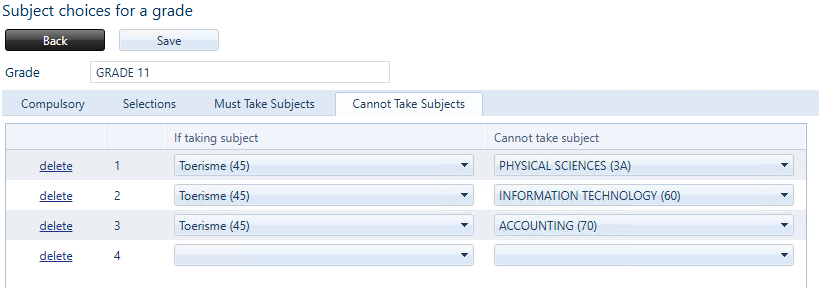
In Subject Choices:
Mark subjects that are Compulsory to take.
Add Selections to subjects like Maths / Maths literacy.
Create rules in Must Take Subjects where if a learner is taking Subject A, they must be taking Subject B as well.
And set rules for Cannot Take Subjects, where if a learner is taking Subject X, they may not take Subject Y too.