Communication

Send out Communication messages (push notifications, smses, or email) to parents, staff or learners

On the Home Screen of Saspac.net, view the methods of communication that your school currently has enabled.
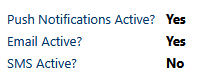
Text display showing push notifications, email, and SMS statuses with Yes or No indicators.

In the communication module, view statistics on how many staff, parents or learners are subscribed to each different form of communication.

Use Settings to change the message type priority
Set up and add specific people to Groups for easy messaging
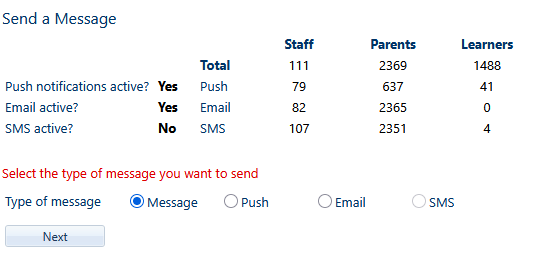
Use Send a Message to view a history of sent messages or to send new messages out

A digital interface displaying message queue status, with message types and their order, including normal messages, push/email messages, and system messages, and showing zero messages in the queue.

View the order in which message types are sent out, and see how many messages are currently in the queue to be sent.
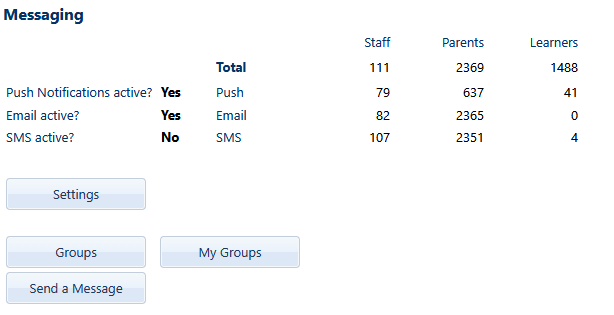
Messaging dashboard showing notifications status with total counts for staff, parents, and learners, including push notifications, email, and SMS activity, along with buttons for settings, groups, and messaging.
Screenshot of a messaging interface showing total user counts with staff, parents, and learners, active notification settings, and options to select message type with a 'Next' button.