Behaviour

Stay on top of learner Behaviour
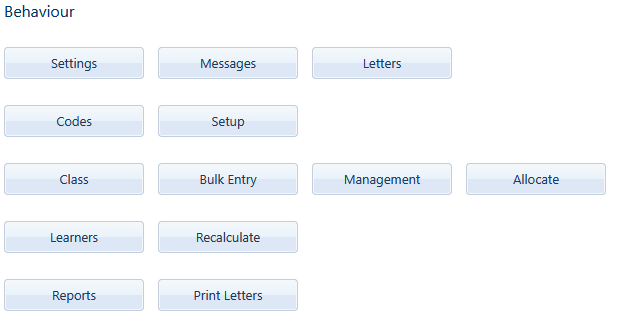
The behaviour menu in Saspac.net. Set up codes and manage infringements and merits in Saspac.net

Create your school’s Behaviour codes. Allocate different points for offenses, punishments and merits. Apply these codes to the School or a Hostel.

Screenshot of an online behavior code management system showing active and inactive codes related to a school, including descriptions, points, and other details.

Add behaviour infringements in bulk to any learners in the school.

Screenshot of a school behavior records interface with options to select department, date, and behavior details, showing a bulk entry form.

Manage outstanding behaviours, punishments and actions
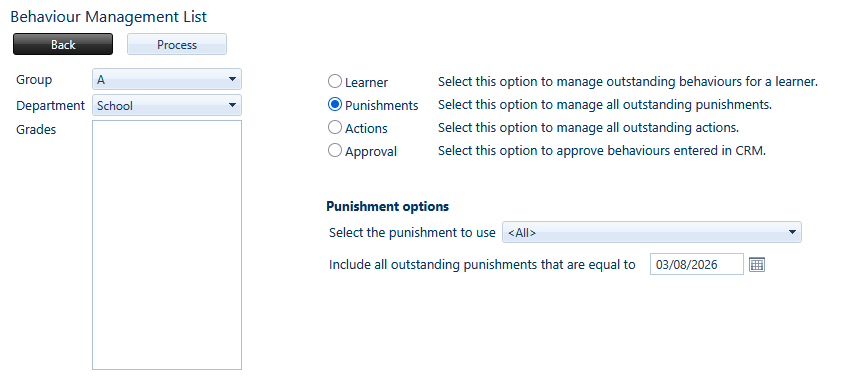
Manage learners behaviours. Choose punishments or actions in Saspac Behaviour

Create Behaviour messages to be sent to parents when learners break rules or achieve merits.
Add keys to display various fields in the message, such as the Learner’s name, Surname, Grade or the Offense.
Messages per Code can be configured to send special messages for specific behaviour codes that have been broken.
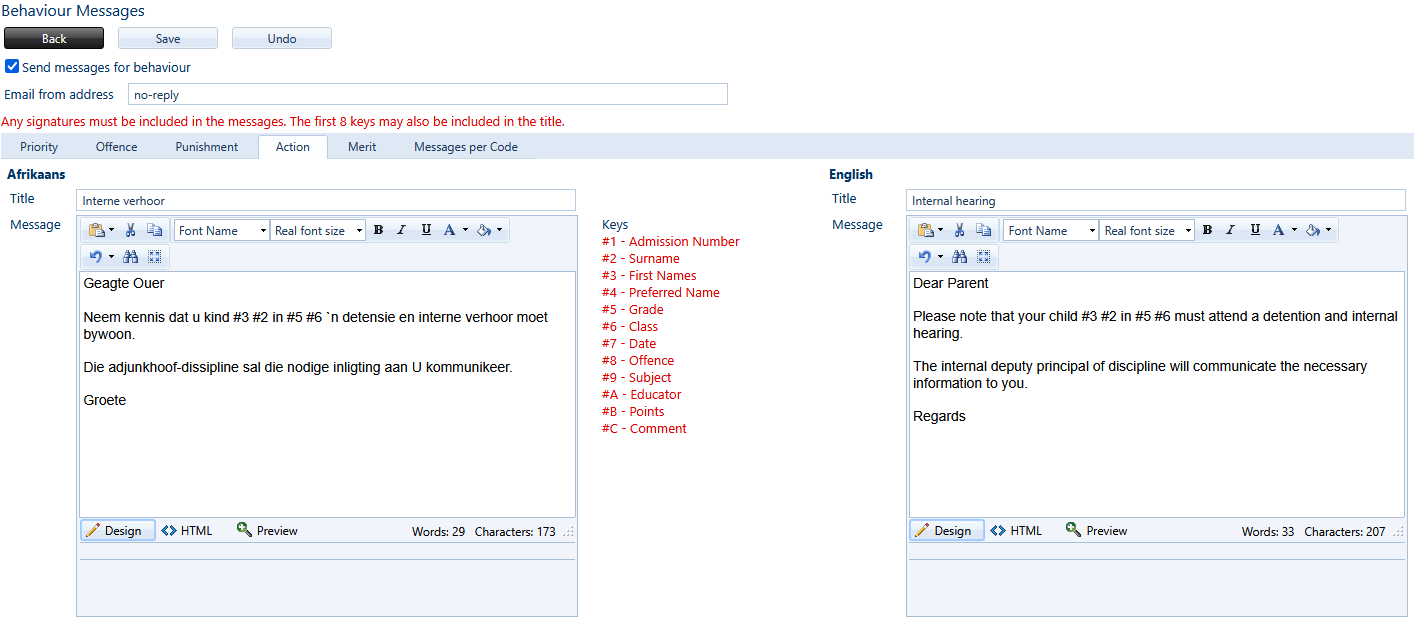
Screenshots of a digital interface for sending behavior messages in two languages, Afrikaans and English, with fields for message text, signing signatures, and message details.