Saspac App
Saspac in your pocket
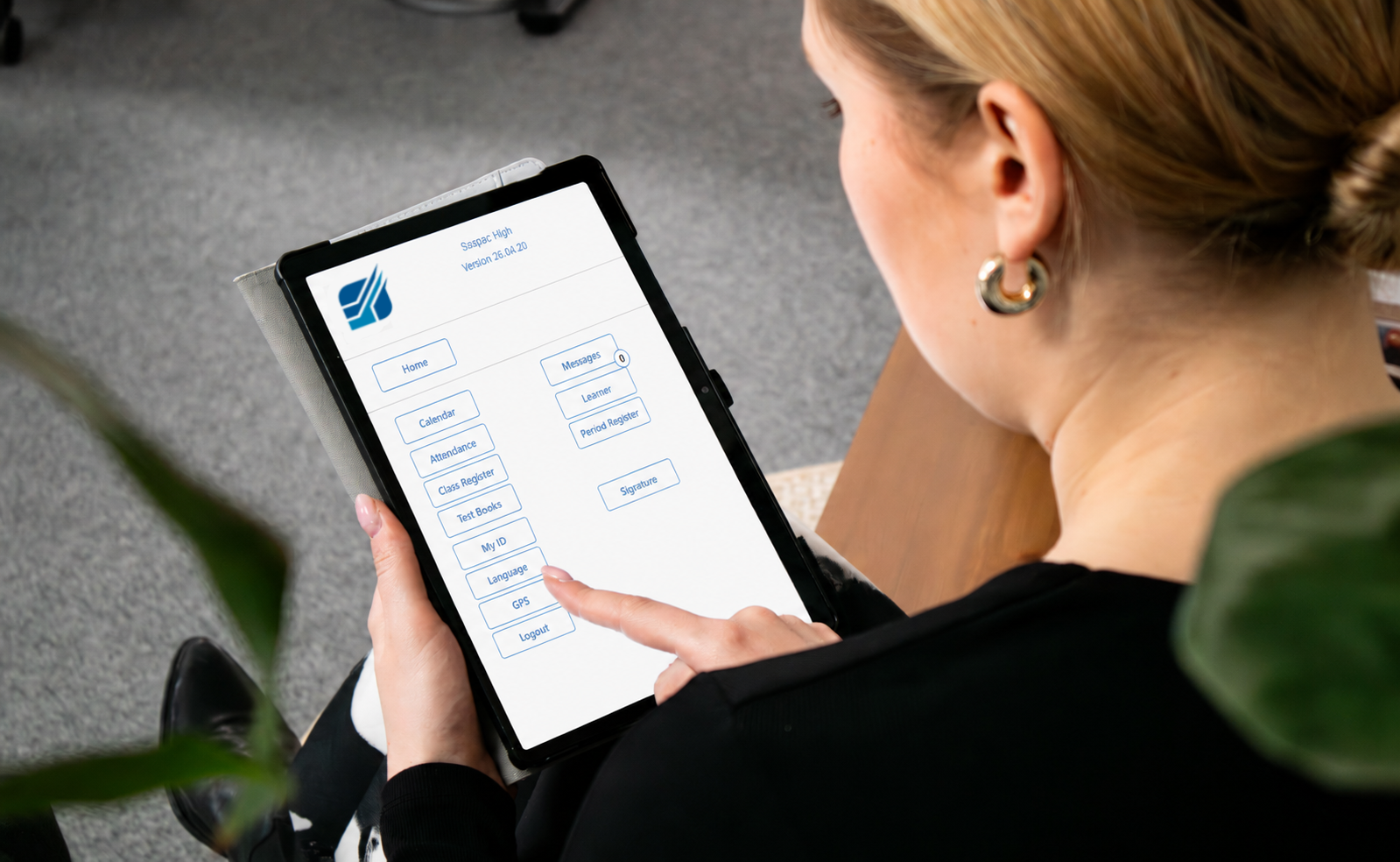
Head to yourschoolname.saspac.online on your mobile device and install the app when prompted.
(Parents can contact the school to get the URL for the app)
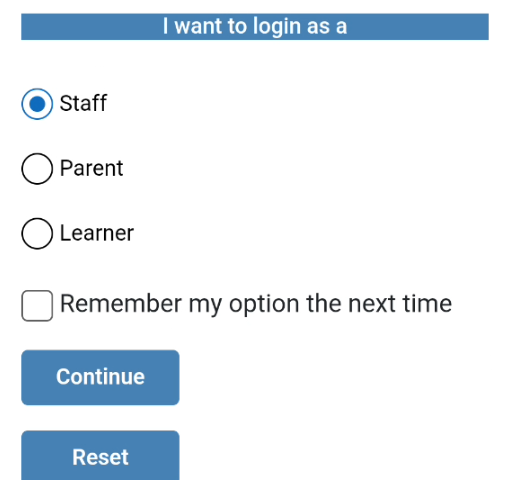
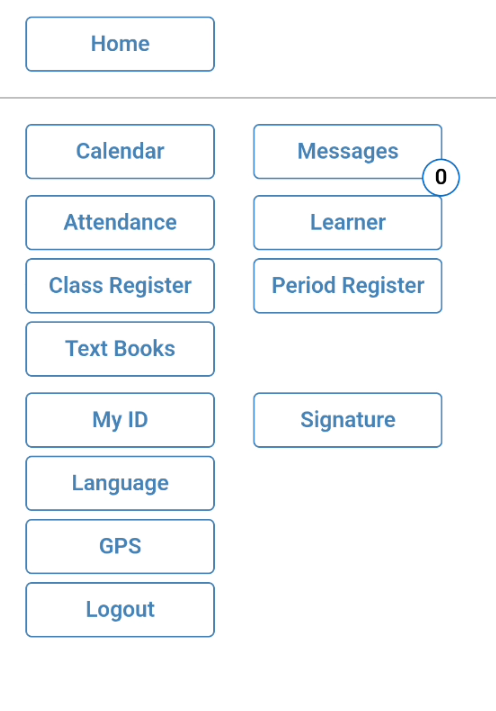
Staff can log in with their Saspac details.
-Receive messages
-Complete your daily and period registers
-Issue, return and write off textbooks.
-Search for any learner in the school to bring up their basic information.
Parents can log in with the email address they’ve provided the school with.
Receive a One Time Password, and will gain entry upon entering the code.
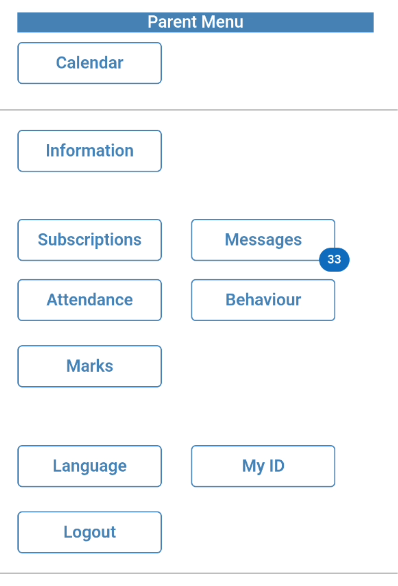
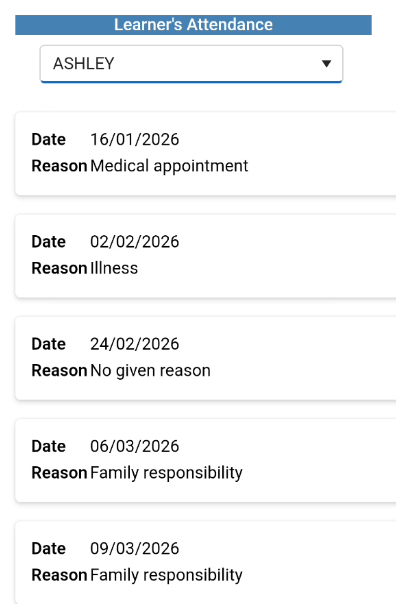
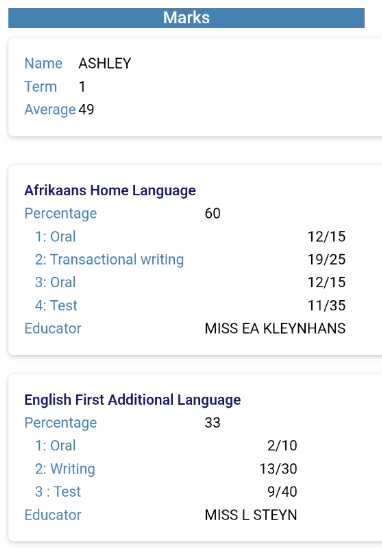
-View children’s marks, as well as attendance and behaviour histories.
-View all messages regarding your children.
-Subscribe to a variety of groups for messages