Administration
Handle all your administration needs with ease in SASPAC
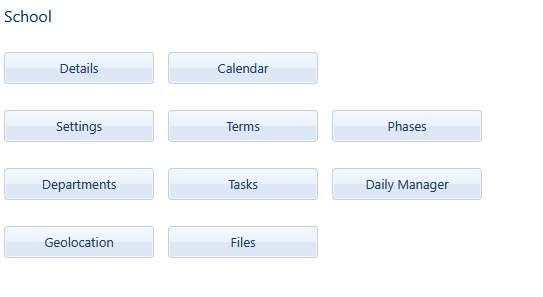
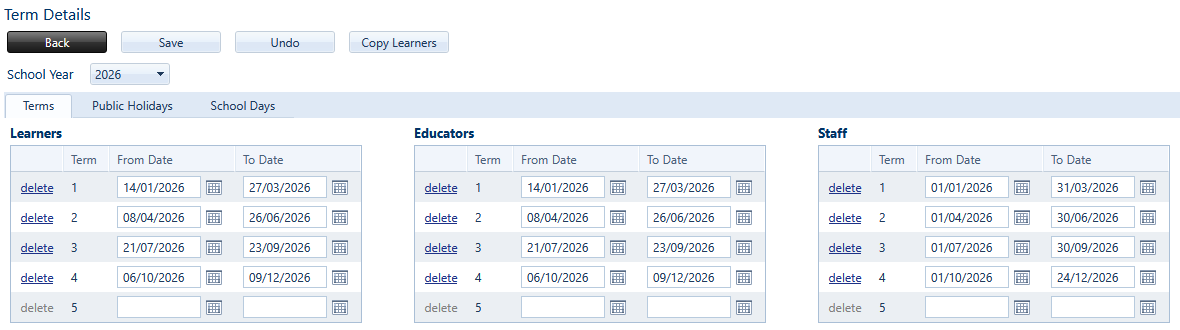
Under School - maintain your school’s Details, set up Terms and public holidays for the year, add up to 20 Phases or upload Files.
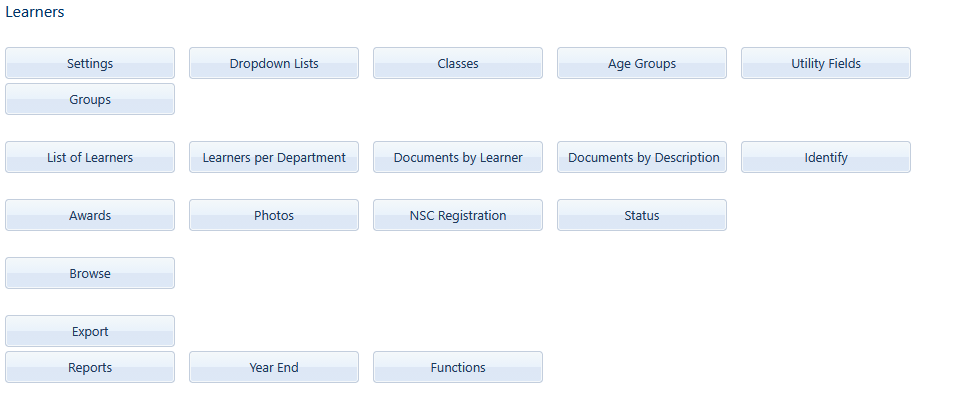
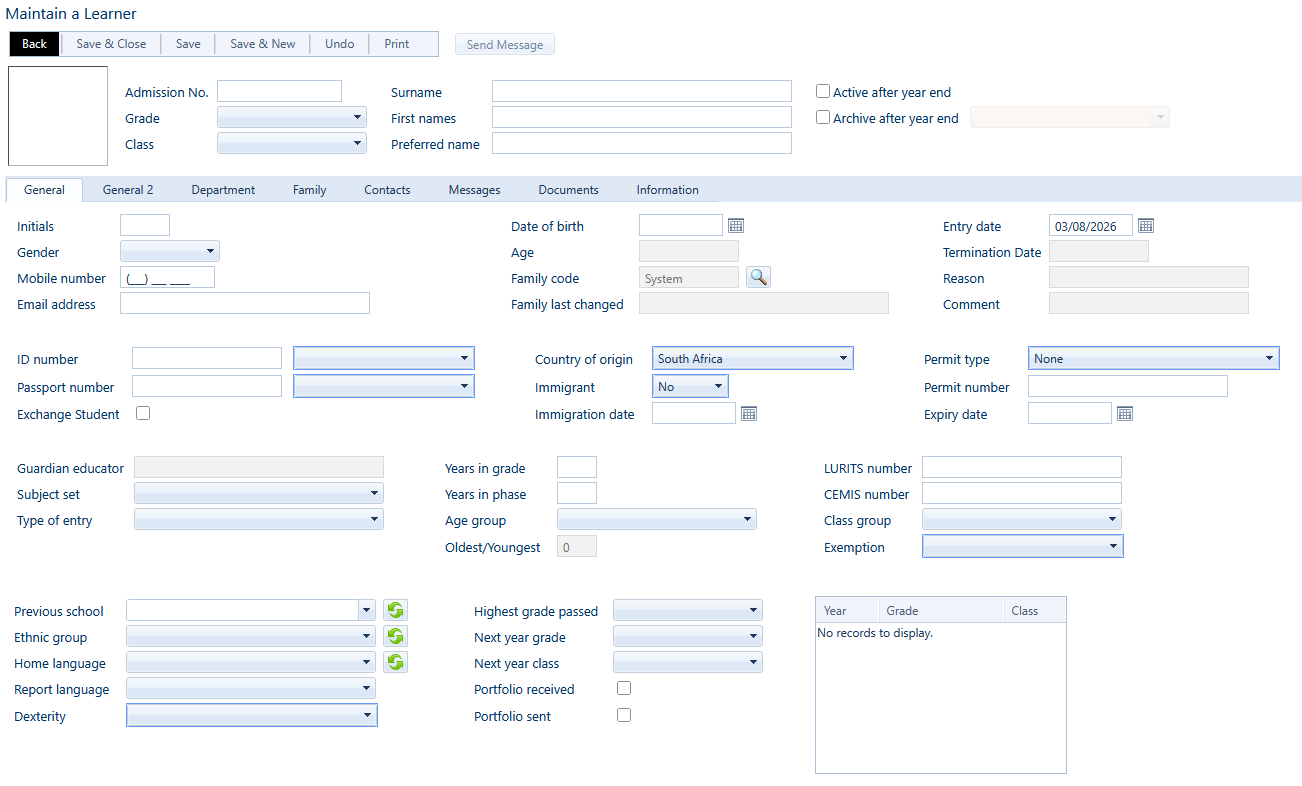
The Learners menu is your hub to maintaining information for each of your school’s students.
List of Learners contains all learner’s profile pages. Add new learners to your school.
View their general information, family details and emergency contacts.
See all messages that were sent out pertaining to them, print a Transfer card or a variety of useful reports, and view any of their uploaded documents.
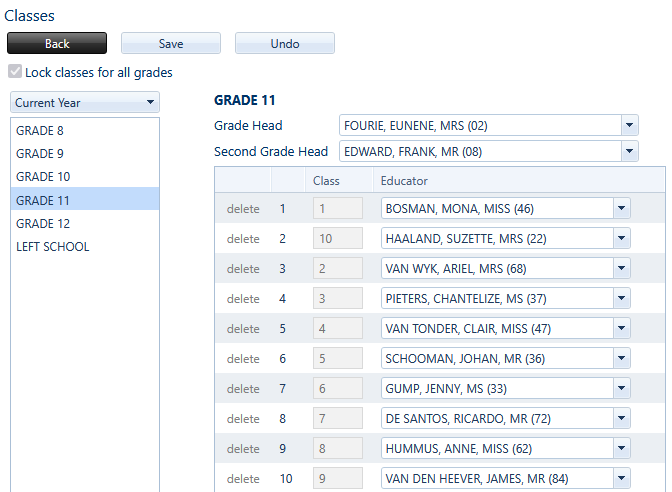
View and make changes to the current Grade Heads and educators that teach different Classes.
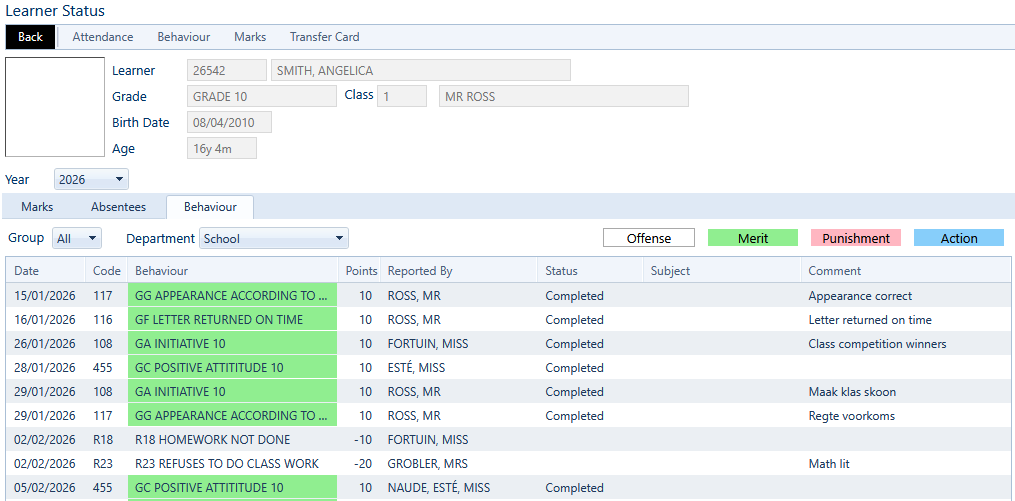
Learner Status allows you to view any learner’s full Attendance, Behaviour and Academic histories for the current, or previous years.
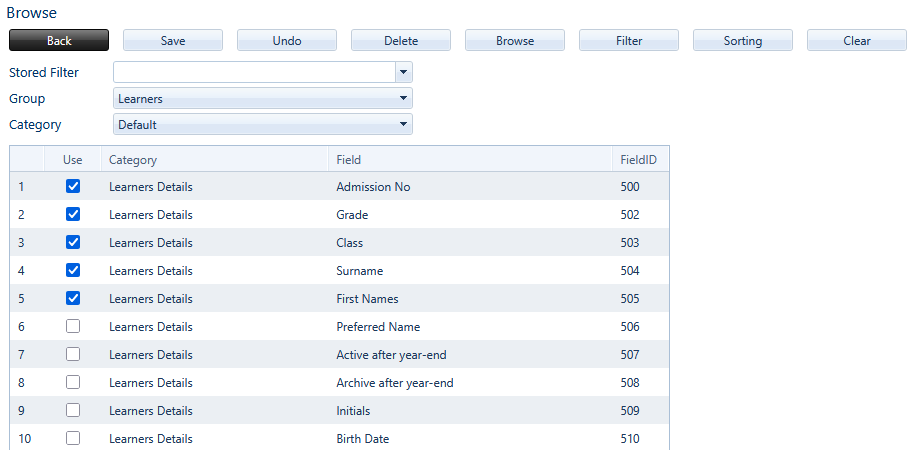
Use the powerful Browse feature to print out detailed, sorted lists of information.
Whether you need to view a list of all students and their parents names with cellphone numbers; or if you would like to see what allergies the male students in Grade 9 have - Browse will have all your answers.
Use the Staff menu to manage or add new personnel, view or add photos, and assign HODs
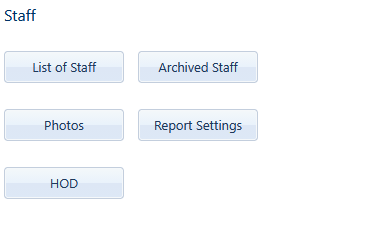
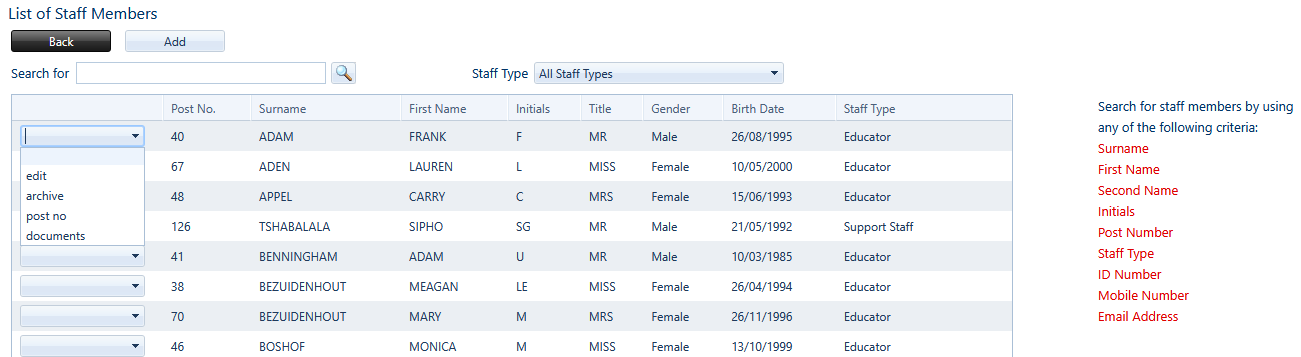
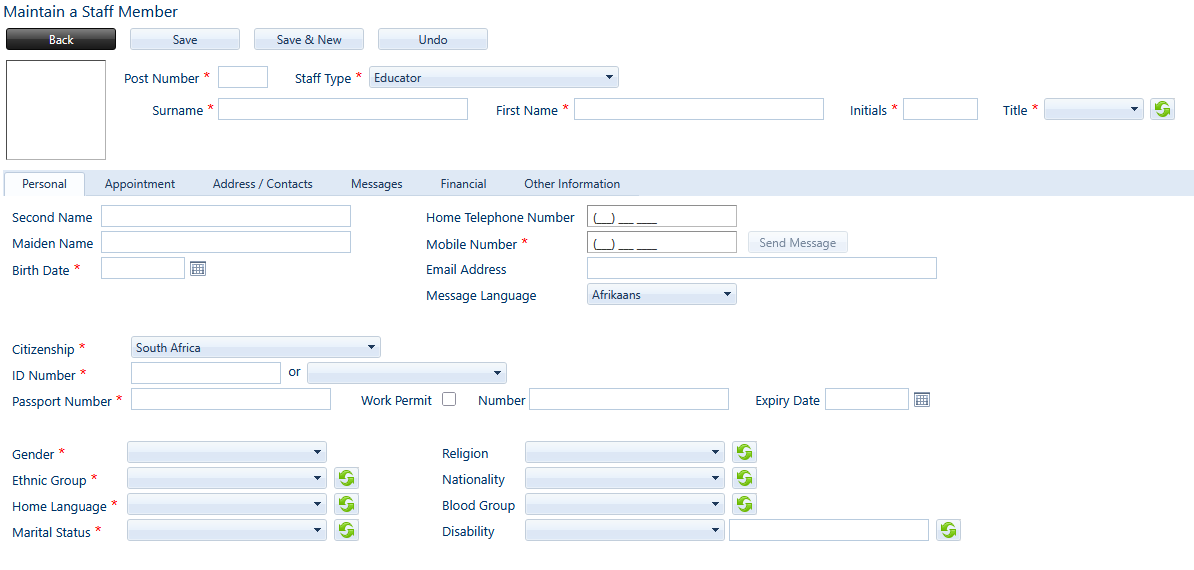
Keep your staff profiles updated, or add new staff members in List of Staff
Edit a profile, archive, change post numbers or view all documents by clicking the dropdown next to each name.
We designed a special menu to make Educator’s lives easier - Favourites. Learner and parent lists, personal markbooks, plus daily and period registers - all in one single place!